⌁ LAST 7 DAYS—Gross drink sales
SALES + TIPS + TAX—venue sales tax only
Confirm this venue's jurisdiction and rate before taking payments.
Live sales and service insights
Sales, tips, and venue sales tax
Ranked by drink revenue
Overview amounts are based on venue order records and are not a Stripe payout estimate.
Track finished items. Stock decreases when a sale is paid.
Simulated card sales do not change inventory. Recorded cash sales do. Refunds do not automatically restock served items. These counts apply to menu items; night specials and custom amounts are not linked to this stock.
Paid sales, deliveries, losses, and count corrections
NIGHTLY OFFERINGS
Manage your POS night selection and drink specials.
SELECTED NIGHT
Select a night to view its specials.
Completed payments and receipts
Loading receipts…
See open checks and arrange tables, booths, and fixtures.
Start with a table, booth, or bar.
Staff punch on the iPad. Manage staff and correct timesheets here.
Profiles available on the iPad time clock
Corrections are recorded in an audit trail
Enter the venue owner password to view or edit timesheets. Access expires after five minutes.
YOUR AVNT SETUP
The iPad and Stripe Reader M2 are absolutely required. After that, add the cash setup and counter accessories your venue needs.
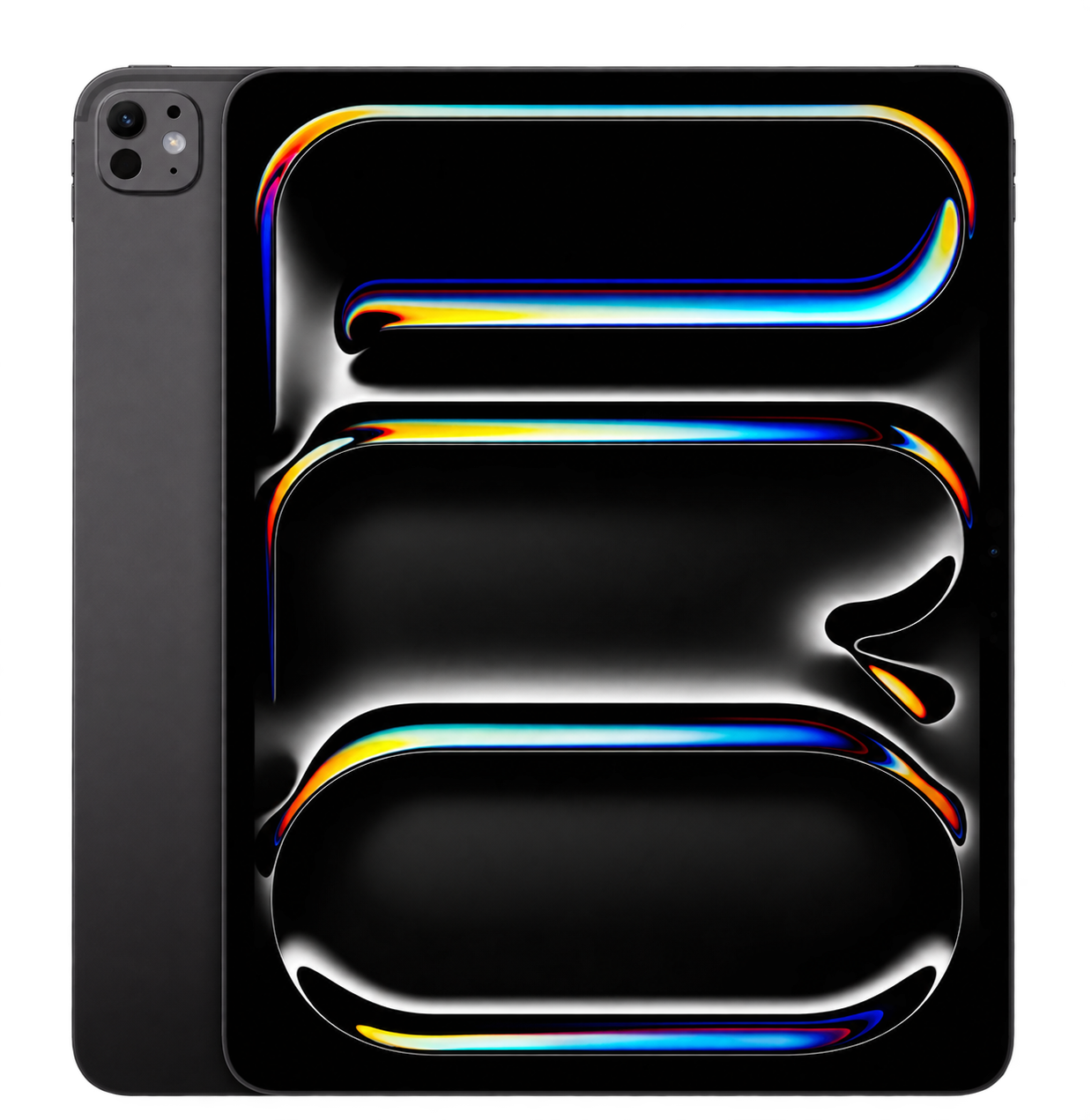
REQUIRED THE MAIN SCREEN
The iPad is required to run AVNT. Your register lives here: run sales, open tabs, manage the menu, check the floor, and see what is happening across the venue.
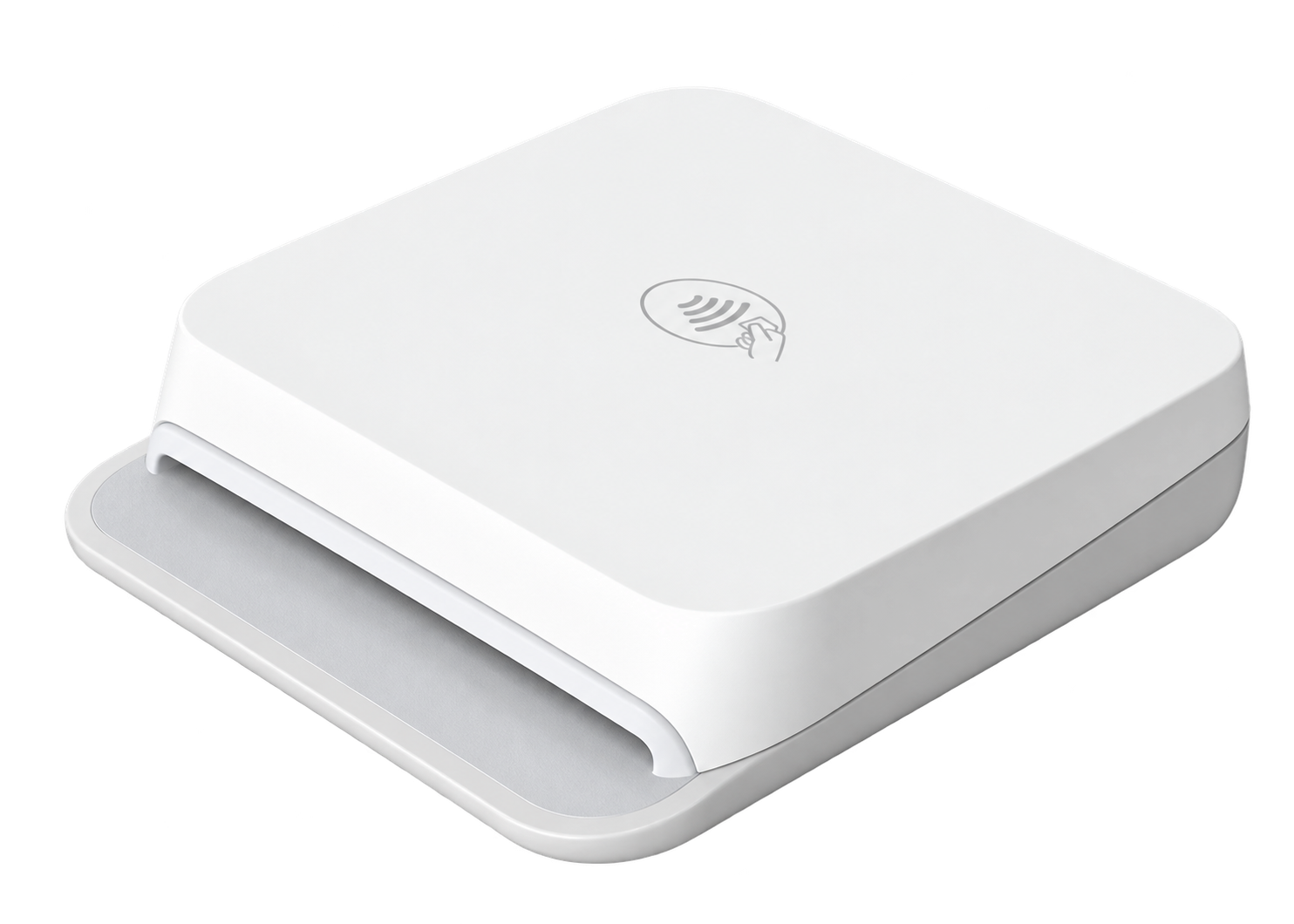
REQUIRED TAKE THE PAYMENT
The reader is required to take payments with AVNT. It works with Stripe Terminal to accept tap and chip payments while the sale stays connected to your iPad.
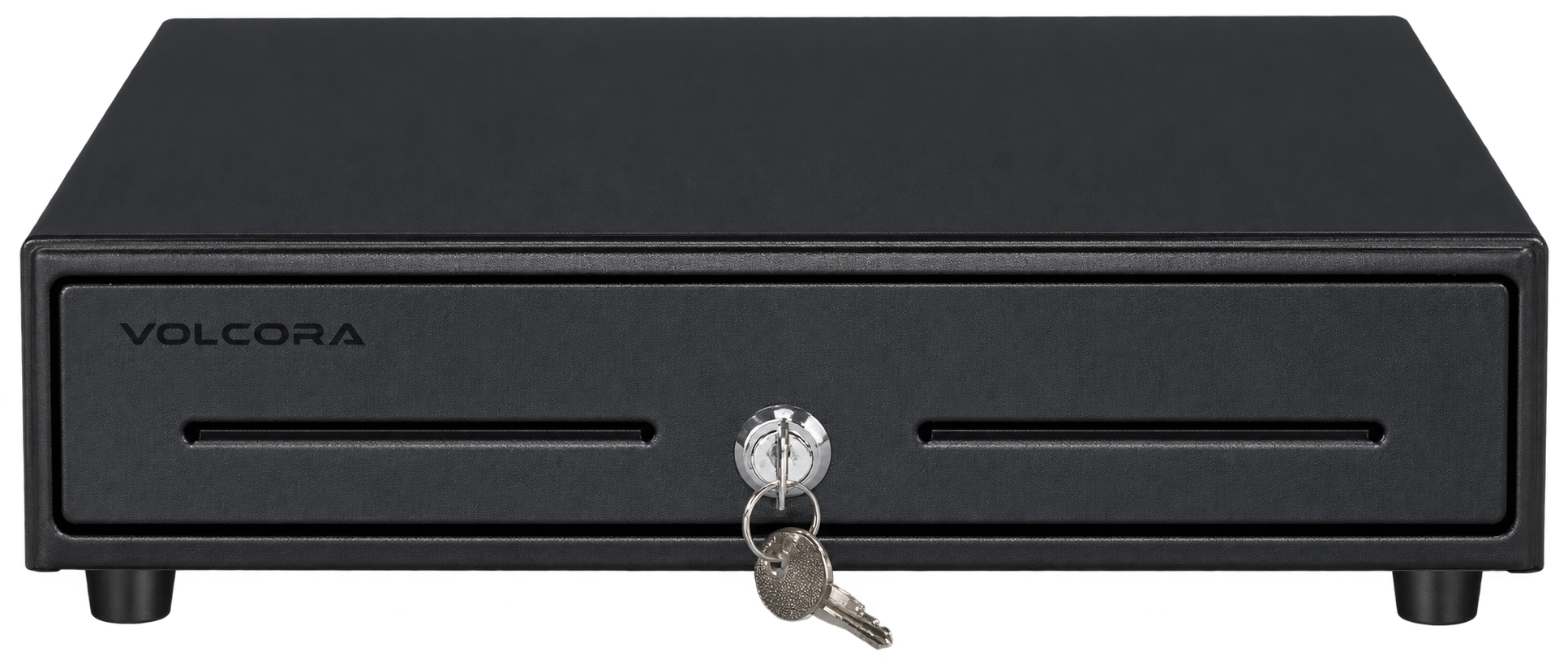
REQUIRED FOR CASH HANDLE CASH SECURELY
If your venue wants to accept cash payments, you need a cash drawer. It keeps bills, coins, and change organized and gives the team a keyed way to secure the register between shifts.
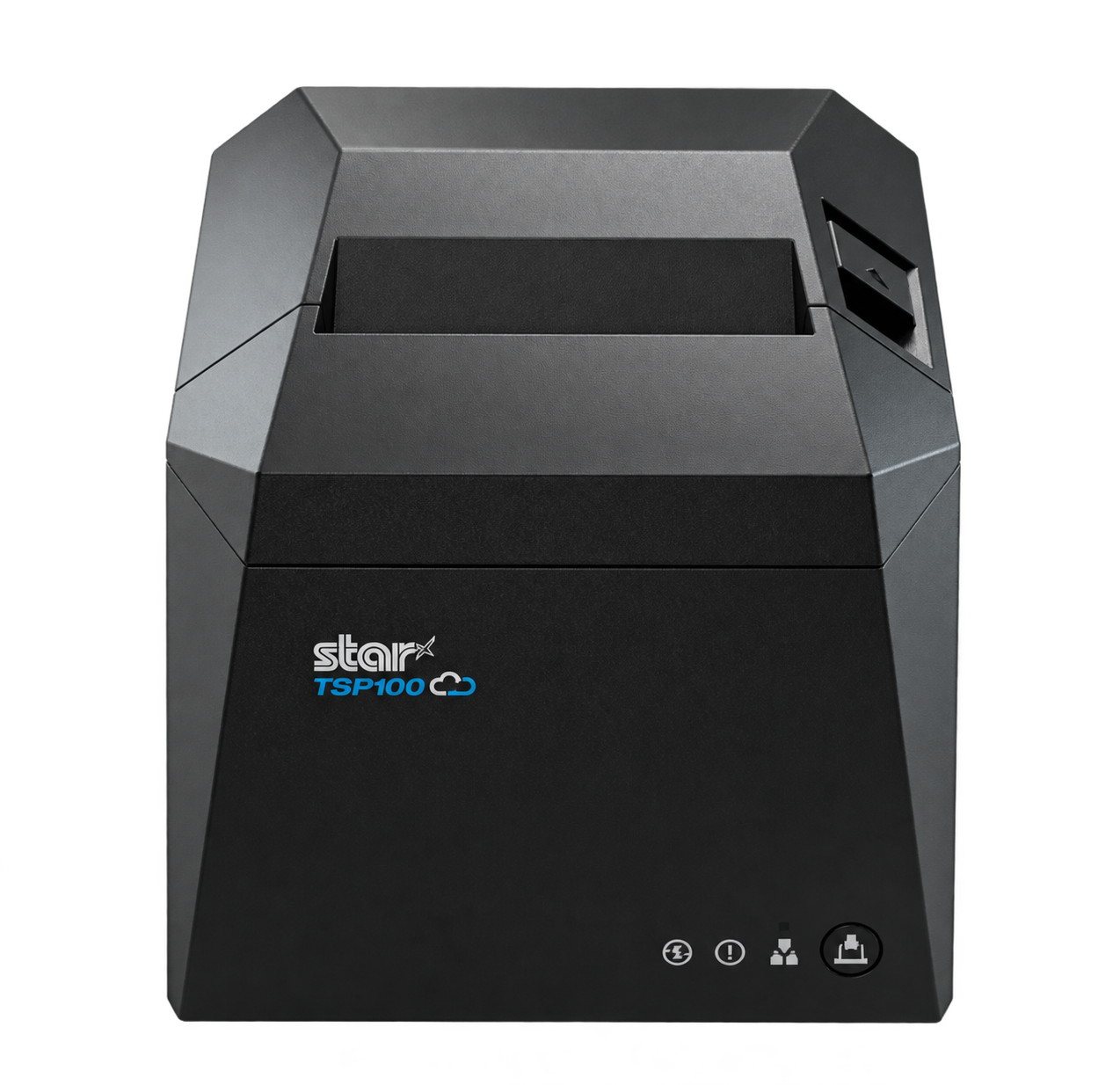
AUTOMATIC CASH DRAWER PRINT RECEIPTS
The cash drawer can be opened with its key on its own. If you want the drawer to open automatically when a cash sale is completed, you need this printer connected to it.
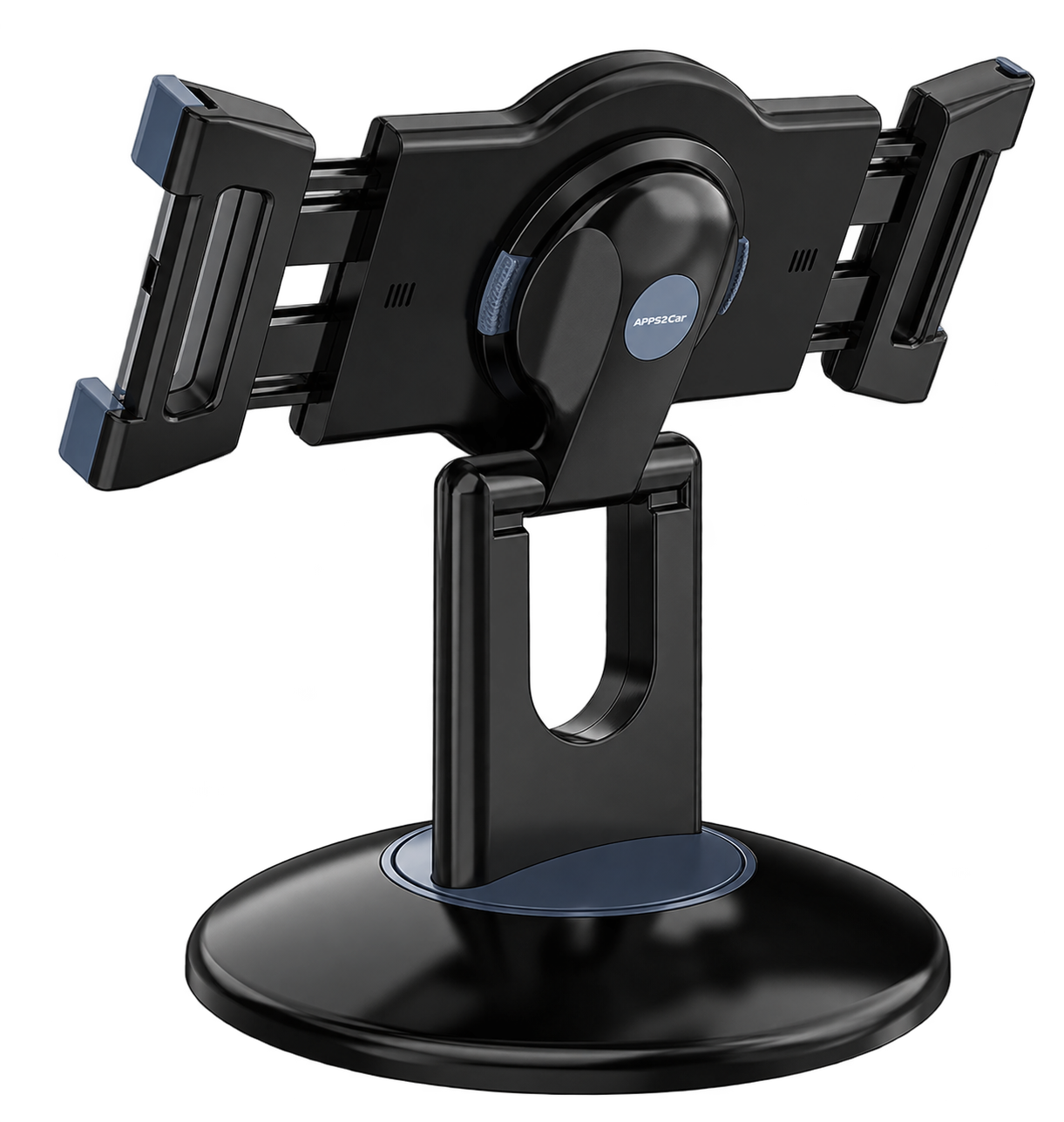
OPTIONAL KEEP IT IN PLACE
The stand is optional, but it gives the iPad a secure home at the bar or register. Its rotating base makes it simple to turn the screen toward a guest.
DAILY OPERATIONS
Keep your team in sync. Checks reset for each date and stay visible on the iPad.
These tasks appear on the iPad and website. Changes to the list do not erase checks already recorded for a date.
Venue controls